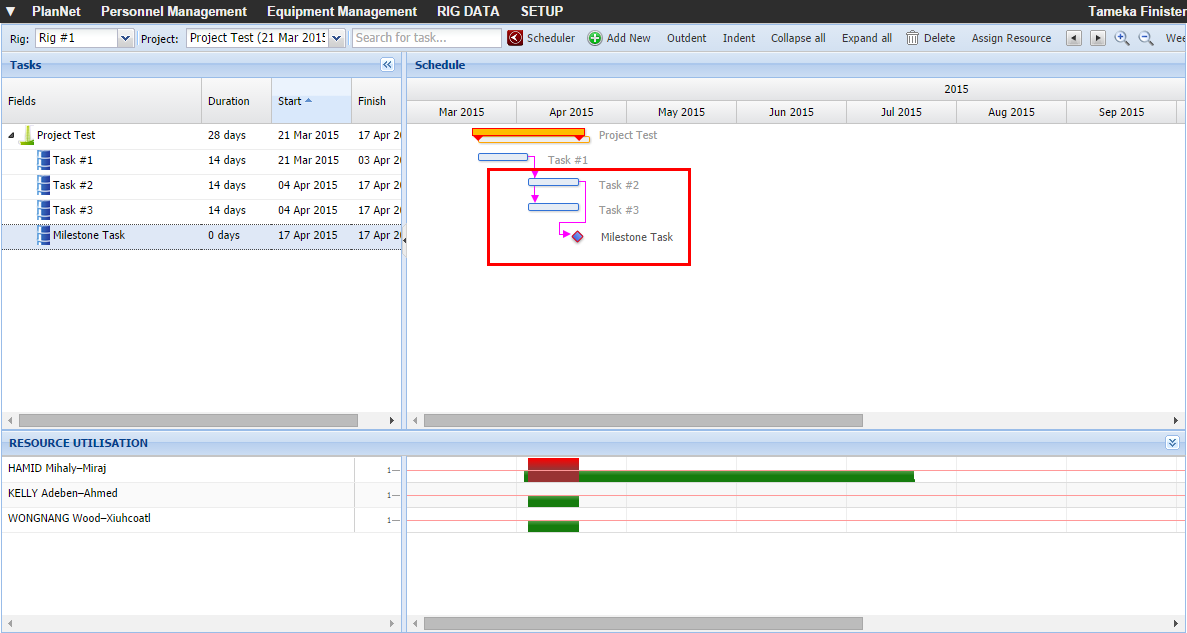
Navigate
to Planner.
OR
Navigate to Planner with
Selected Project.
The Planner opens.
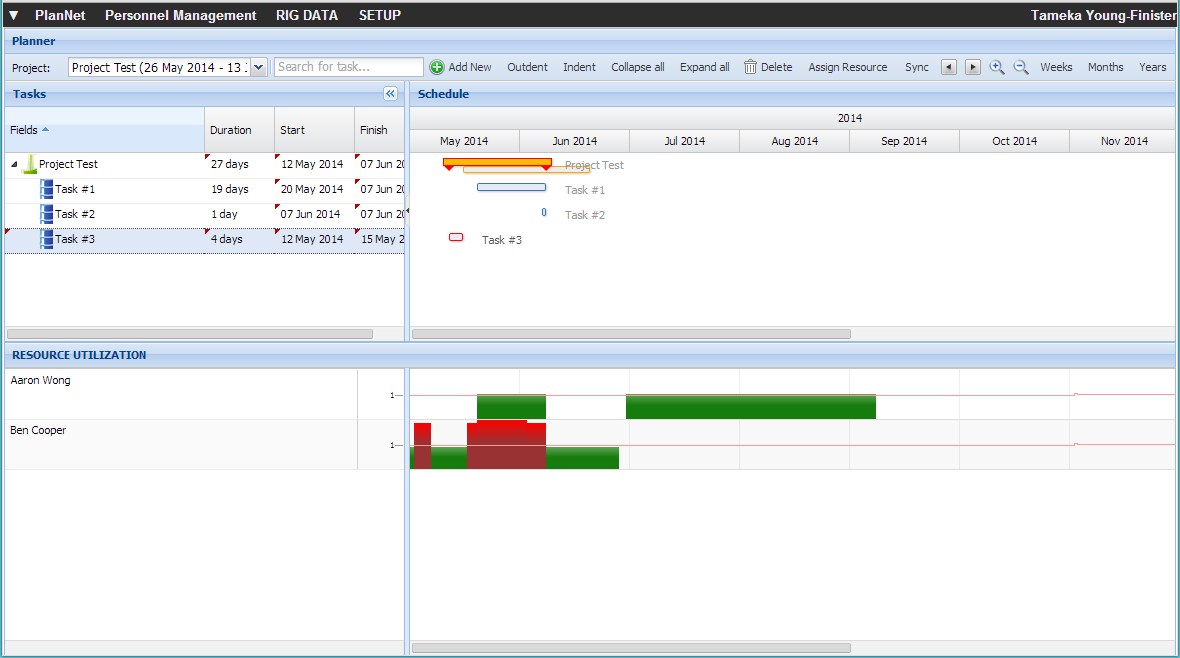
Select the end of one task by clicking and holding the mouse button.
Drag the cursor to the beginning
of another task until the green check mark ( )
appears.
)
appears.
Notice the dotted line between the two task with the message stating,
"From: Task #1 - End
To: Task #3 - Start"
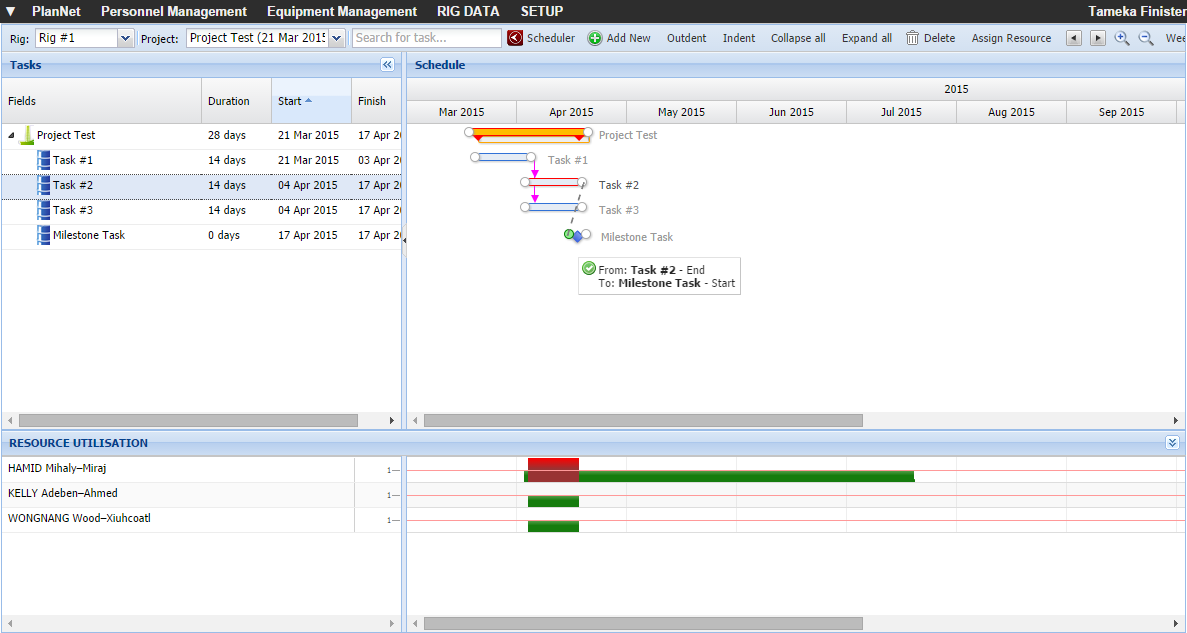
Release the mouse and an arrow
appears from the first task to the second task.