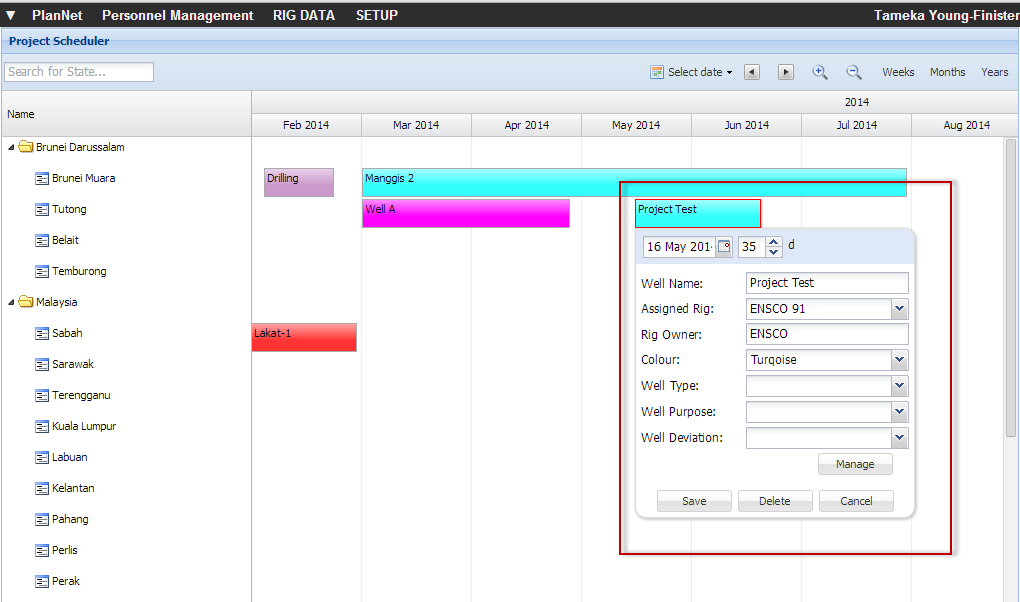
Double-click the appropriate project.
The project details dialog box opens.
Click  .
.
The Planner opens and shows the current project
displayed.
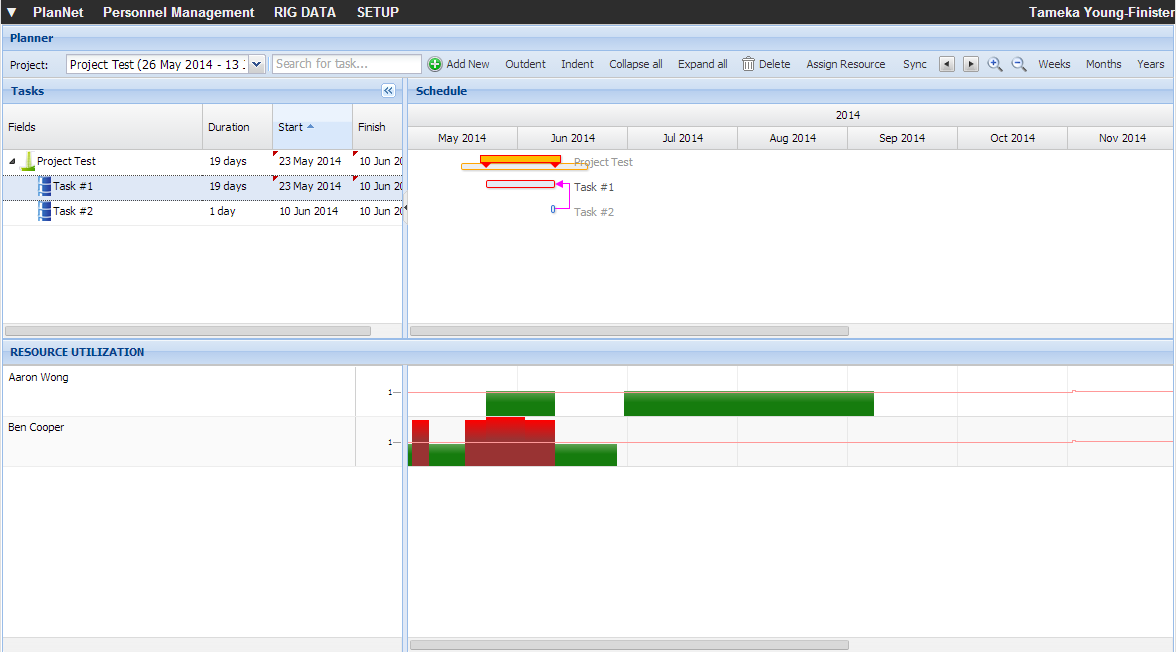
Navigate to the Planner to view the tasks and resources associated with the selected project.
Steps
Double-click the appropriate project.
The project details dialog box opens.
Click .
The Planner opens and shows the current project
displayed.