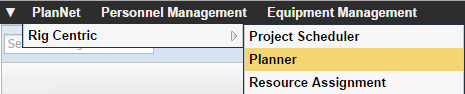
Select PlanNet
 Rig
Centric
Planner.
Rig
Centric
Planner.
OR
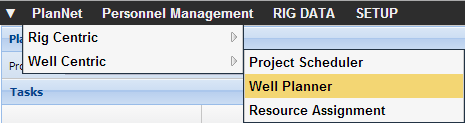
Select PlanNet Well Centric
Planner.
The Planner opens. 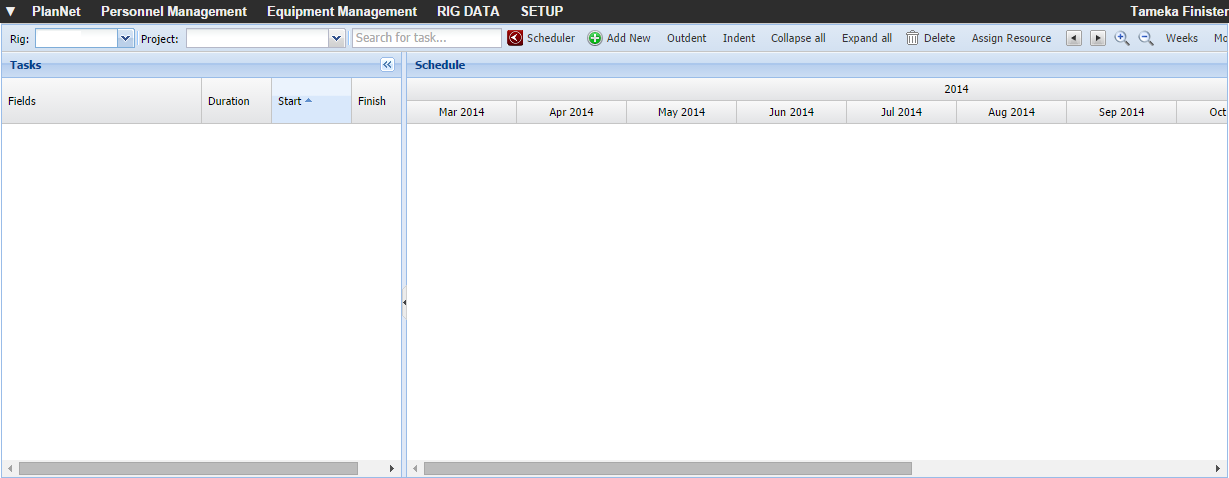
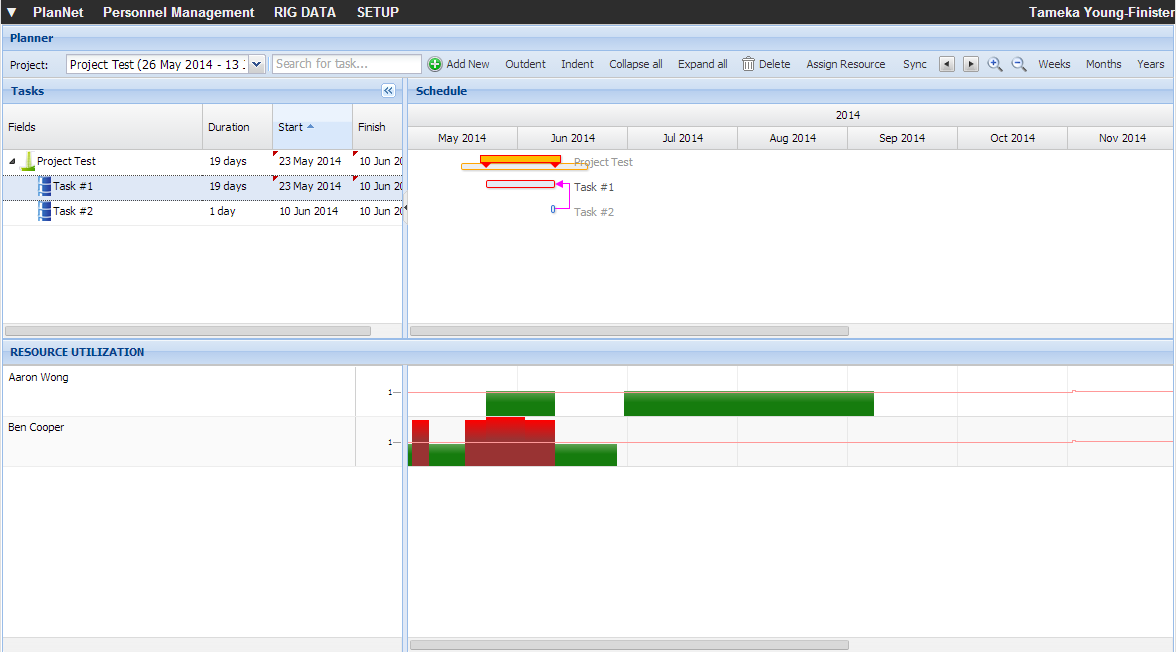
Select the appropriate project
from the Project drop-down
list.
OR
Type the name of a task in the Search
field.
The selected project opens.